
Chat Room Safety: How to Stay Safe Talking to Strangers Online (UK Guide)
Chat rooms are one of the easiest ways to meet new people online—but they also come with risks. Anyone can pretend to be someone else, and scams, fake profiles, and manipulation are more common than most people think. This guide shows you exactly how to stay safe in chat rooms, spot red flags fast, and protect your personal information while still enjoying chatting and meeting others online.
Protecting Your Identity in Chat
Your personal details are valuable — and easy for others to misuse. Avoid sharing identifying personal information in early conversations: your full name, home address, phone number, workplace, or exact birthday. Take time to build trust before revealing anything that could let someone find you offline.
Keep Personal Details Off Chat
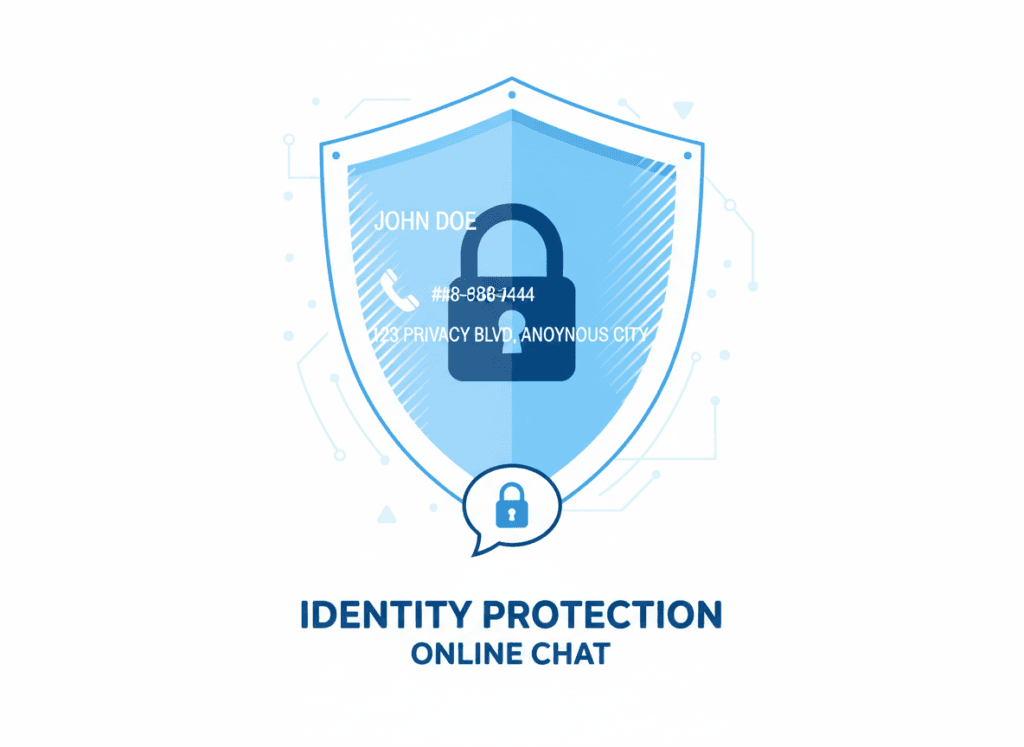
Practical rule: don’t give out phone numbers, home addresses, or your full real name to someone you’ve met in a chat room. Use a nickname or a throwaway account while you get to know someone. If asked for money or financial details, stop the conversation — legitimate people don’t ask strangers for bank or card details.
Simple scripts to use when pressured: “I don’t share that until we’ve video-called,” or “I only give my number after we’ve met in public.” These lines make your boundary clear and buy you time to verify the person.
Stay on the Platform
Keep conversations on the chat platform at first — it gives you reporting tools and a record of the exchange. Moving off-platform (to personal email, WhatsApp, or text) too soon removes those protections and makes it harder to report abuse if things go wrong. Make sure the person accepts staying on-site before you exchange contact details.
If someone insists on leaving the platform immediately, treat that as a red flag: politely refuse and insist on staying on the site. If they keep pushing, block and report.
Be Aware of Photo and File Risks
Photos don’t always show the real person — images can be stolen or edited. Use a reverse image search (Google Images or TinEye) if something feels off. Don’t send intimate photos early on; once an image is out there you can’t control where it goes.
Files and links can also be dangerous. Don’t download attachments or click unknown links from people you don’t trust. Treat unexpected files as suspicious — their account may be compromised.
Privacy Best Practice
Review your social accounts and limit what strangers can see. Remove location tags, avoid posting daily routines, and check profile privacy settings. If you need to move a conversation off-site for a legitimate reason, create a separate email address or throwaway number and keep your main accounts private.
Recognising the Main Threats
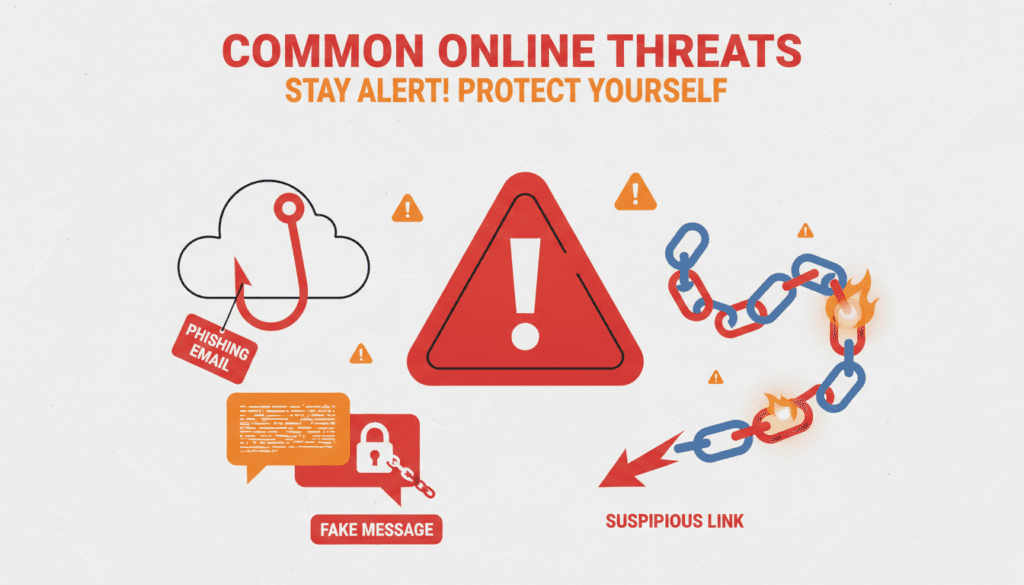
Most problems in chat rooms come from people, not the platform. The biggest chat room risks are: fake identities, romance scams, people trying to move you off-platform, and oversharing personal information. Know these and you’ll spot trouble quickly.
Common Red Flags (and exact lines they use)
Watch for short scripts scammers use — they sound normal at first. If you see any of these, treat them as a warning sign:
- “Let’s move to WhatsApp” — moving off-platform quickly removes reporting and safety tools.
- “Send me a pic” or pressure for photos — don’t share intimate images early.
- “I need help / money” — immediate money requests are a classic scam trigger.
- Story keeps changing — inconsistent details mean they’re lying or using template answers.
- Gets intense too quickly — declarations of love or pressure to commit are manipulation.

Phishing and Misinformation
Phishing is when someone sends fake messages to steal information. They may pretend to be a website, dating site admin, or even a bank. Check email addresses and links carefully — tiny misspellings often give them away. Legitimate organisations use secure portals and won’t ask for passwords or card details in chat.
Social Engineering — Emotional Tricks
Scammers use flattery, urgency, and sympathy to manipulate you. They exploit loneliness, curiosity, or the desire to help. Remember: scammers don’t need to “hack” you — they try to trick you into handing over information or money.
Example behaviour: they rush intimacy, create fake emergencies, or try to isolate you by pushing rapid contact changes.
Malware and Dangerous Links (Keep it simple)
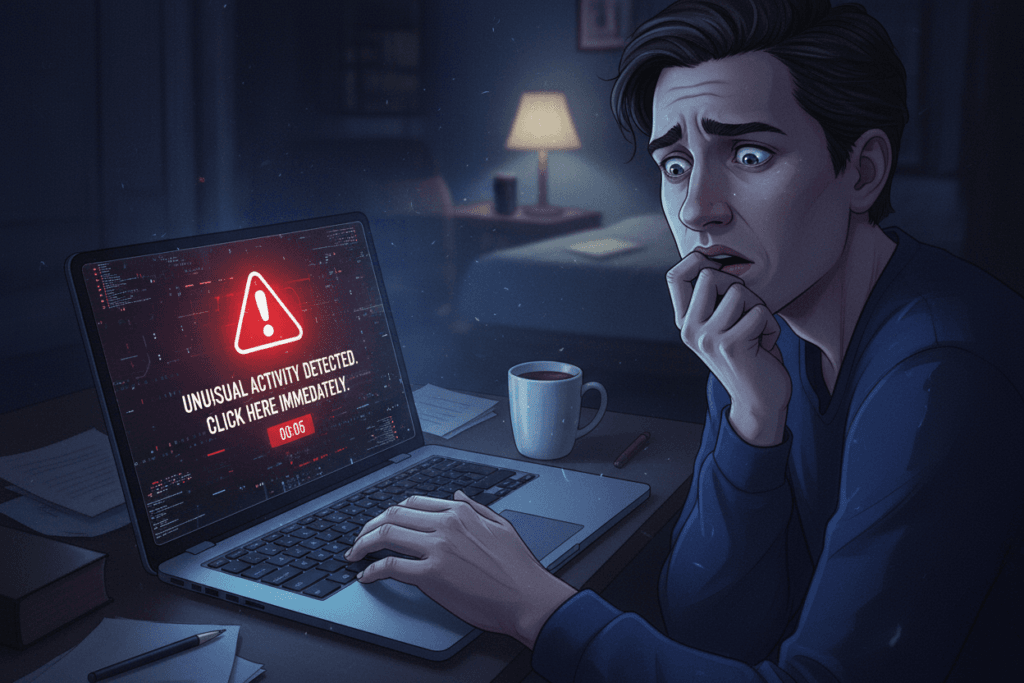
Links and files can carry malware. Don’t click unexpected links or download attachments from strangers — or from accounts that suddenly start acting strange. If something looks like a prize, a shocking news story, or a too-good offer, don’t click it.
Need more detail?
Read more about the kind of people you will find in chat rooms
If you’re being asked for money now — stop. Block, report, and contact your local UK reporting service (for non-emergencies, Action Fraud; for immediate danger, call 999).
Simple Habits That Keep You Safe
You don’t need to be a tech expert to stay safe in chat rooms. Focus on common-sense behaviours that protect your personal information and give you time to check someone before you trust them.
Quick, Practical Chat Habits
- Use a nickname — not your full name — while you’re getting to know someone.
- Don’t share your phone number, address, or workplace early on. Don’t hand out your number to someone you met five minutes ago — it’s the fastest way to get burned.
- Keep the conversation on the platform at first so you can use reporting tools and keep a record.
- Don’t send intimate photos early. Once an image is out there you lose control of it.
- Don’t send money or financial details. If they ask, stop the chat and report them.
- Create a throwaway email or secondary account for casual chat rooms or games.
One-line Tech Notes (Short)
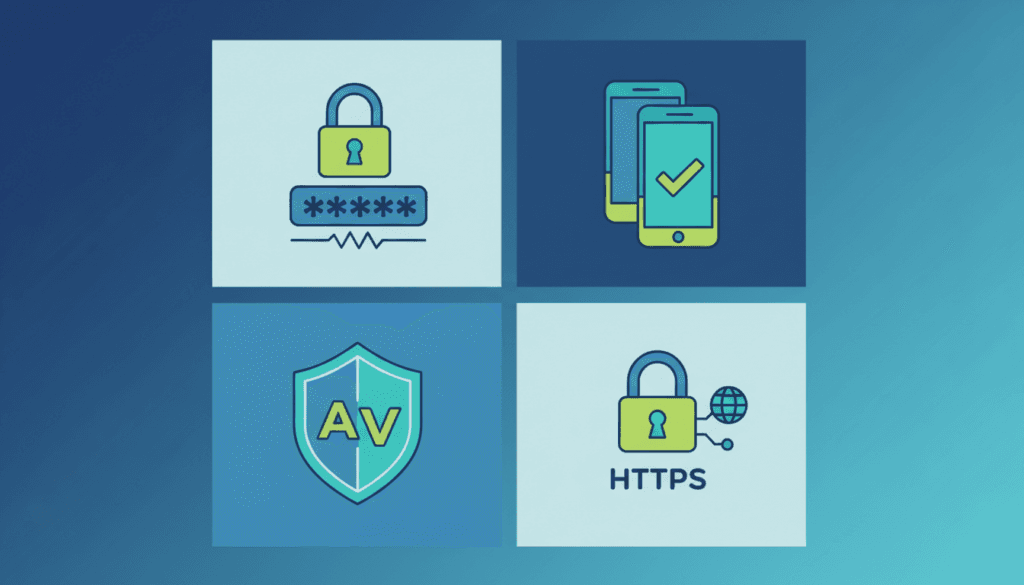
If you want technical safety basics, keep it simple: enable 2FA on accounts you use for social apps and make sure your accounts use unique passwords. For full tech guidance (passwords, antivirus, VPN), see our Cyber Basics page.

Micro-Tips You Can Use Now
- Check profile age and activity — brand new profiles with few posts are suspicious.
- Don’t accept duplicate friend requests that copy your profile — that could be someone impersonating you.
- Use short scripts to push back: “I only share my number after a video call” or “I don’t send money to people I haven’t met.”
- Limit location details — avoid check-ins or precise daily routine posts that let others track you.
Make Sure You're Ready
Before you share details or move off-site, make sure you’re comfortable and have checked the person. Take your time — trust is earned, not rushed. These small skills help you keep safe while still enjoying meeting people online.
When Something Feels Off — Trust Your Gut
Your instincts exist for a reason. That uneasy feeling when someone’s messages don’t add up is a real safety signal — listen to it. Don’t ignore red flags because you want to believe the best; acting fast can protect you and others.
Key Red Flags — exact lines they use
Watch for these common scripts. If you see any, treat them as a warning and slow down or stop the chat:
- “Let’s move to WhatsApp/text” — moving off-platform quickly is a classic tactic to avoid safety features.
- “Send me a pic” or pressure for photos — don’t send intimate images early or under pressure.
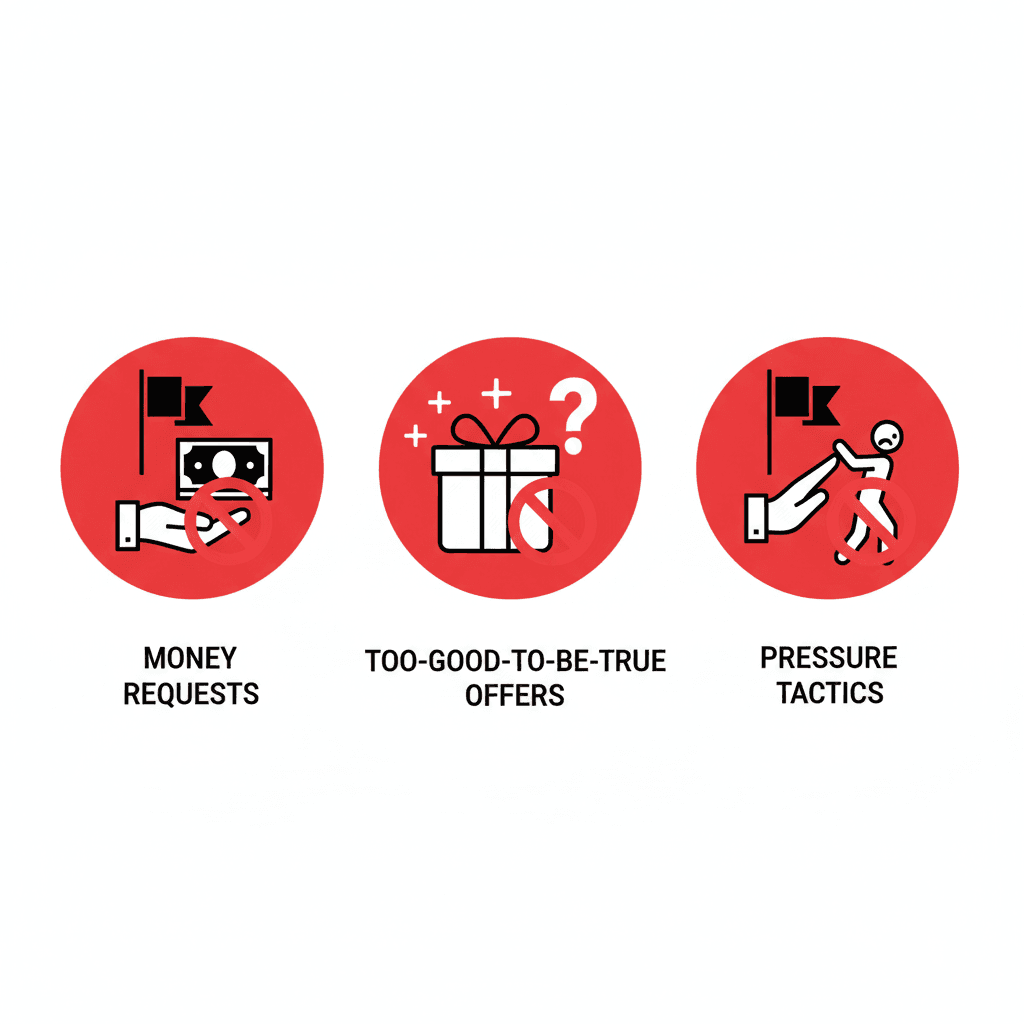
- “I need help / money” — immediate money requests are almost always scams.
- “I don’t like this chat, give me your number” — fast requests for contact remove protections.
- Story keeps changing / details don’t add up — inconsistency is a red flag.
- Declares love or strong feelings very quickly — rushing intimacy is manipulation.
Quick responses you can use
Copy-paste these to pause the interaction and buy time to check the person:
- “I only move off-site after a video call.”
- “I don’t send money or share bank details with people I haven’t met.”
- “I don’t share intimate photos. If that’s a problem, we can stop here.”
Red flag → action
- Asks for money → Stop. Block. Report immediately.
- Refuses to video call → Insist on verification; if they refuse, don’t share details.
- Pushes to leave platform → Say no and stay on-site; if they persist, block.
- Profile photos look too perfect → Do a reverse image search; treat perfect photos with suspicion.
- Gets defensive when questioned → Take that as a sign to end contact.
What to do when you're concerned
Don’t engage further if something feels wrong. You don’t owe an explanation — protect yourself first. Block the person, report their profile to the platform, and save screenshots for evidence.
Tell someone you trust about the interaction — a friend, family member, or support service. An outside perspective can help you see inconsistencies you missed and decide the next steps.
Need help or more guidance?
Find out more information about the governments plans to make the internet safer
If someone is asking for money now or you feel in immediate danger — block, report, and contact your local UK service (Action Fraud for non-emergencies; call 999 for immediate emergencies).
Building Healthy Online Relationships
Safe online interactions can become genuine relationships — but they take time. Rushing trust makes you vulnerable. Take things slowly and use simple checks to protect your wellbeing while you get to know someone.
Set Clear Boundaries
Decide in advance what you will and won’t share. Use short scripts to hold the line: “I only give my number after a video call” or “I meet in public for first meet-ups.” People who respect boundaries will accept them — those who push are showing a red flag.
Don’t feel pressured to respond instantly. Taking time to reply helps you spot patterns (or pressure) and keeps your emotional distance while you assess the person.
Verify Identity Before Meeting
Quick checklist before you meet someone in person or exchange real contact details:
- Do a reverse image search on their photos to check they aren’t stolen.
- Ask for a short live video or a selfie with a specific gesture — not a staged photo.
- Compare public social profiles (posted content, account age) for consistency.
If they always dodge video calls or make excuses, treat that as a warning. Never meet at their home for the first time — choose a busy public place and tell a friend where you’re going.

Practical UK meet-up tips
- Meet in a busy café or public venue — avoid secluded spots.
- Share your location or set a check-in time with a friend; arrange a code word if you need help.
- Keep your phone charged and don’t leave drinks unattended.
- Have an exit plan and your own transport arranged so you can leave whenever you want.
Maintain Your Support Network
Don’t let a new connection isolate you from friends and family. Share profile links, screenshots, or messages with someone you trust before meeting — their perspective helps you spot inconsistencies you might miss.
Keep up hobbies and real-world relationships; healthy online relationships should complement your life, not replace it. If someone pressures you to cut off others, that’s a major warning sign.
Protecting Your Mental Health Online
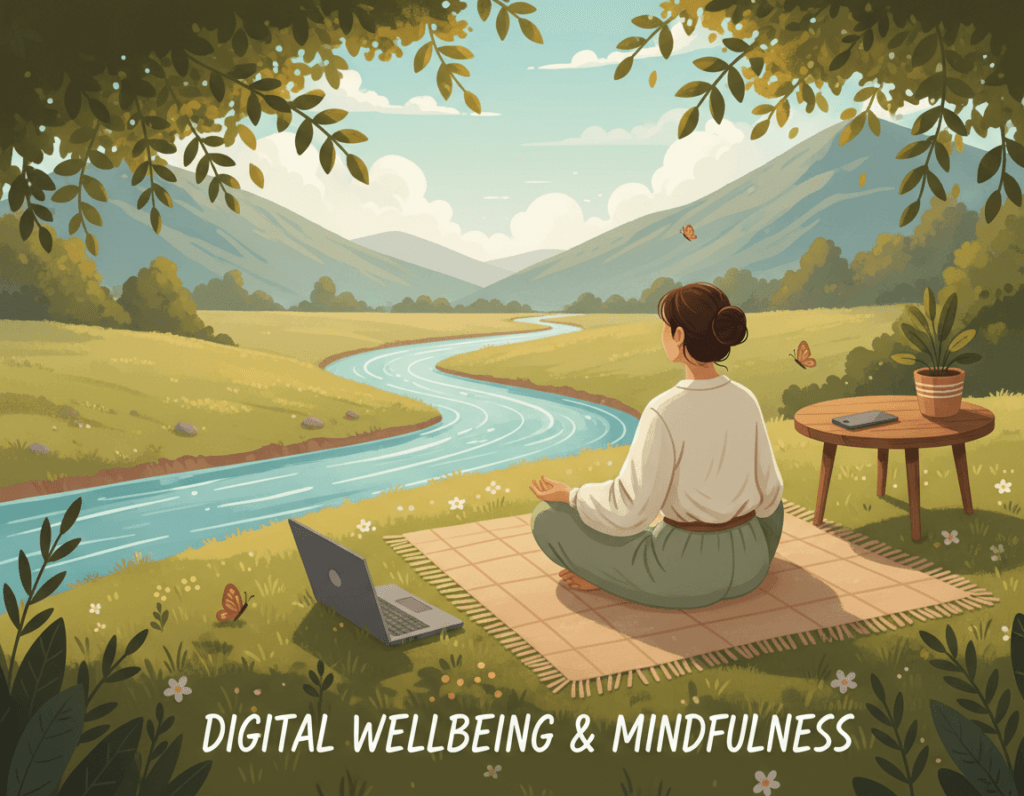
Time online in chat rooms can affect your mental health just as much as any real-world interaction. If a chat leaves you anxious, drained, or upset most days, that’s a sign to act — your mental health matters.
Recognise Emotional Manipulation
Scammers and toxic people use emotions to control behaviour: flattery, guilt, urgency, and pressure to isolate you. They may make you feel special one day and guilty the next. Notice if someone tries to monopolise your time, criticise your other relationships, or rush emotional commitments — these are classic manipulation tactics.
Practical steps to protect yourself
- Set time limits: decide how long you’ll spend in chat rooms each day and stick to it.
- Use do-not-disturb or mute notifications for chats that stress you out.
- Schedule offline activities (walks, hobbies, meet friends) to reset perspective.
- Keep a record: save screenshots if interactions feel abusive or worrying — evidence helps if you report later.
Seek Support If You Need It
If online interactions are causing stress or bullying, talk to someone you trust — a friend, family member, or colleague. For professional help in the UK, consider NHS mental health services or organisations like Samaritans for emotional support. Don’t be embarrassed to ask for help — reaching out is a strong step.
If you’re in immediate danger, call 999. For non-emergencies involving online crime or scams, contact Action Fraud. These services can guide you on next steps and connect you with support.
If a chat makes you feel worse most days — log off, talk to someone, and consider reporting the account. Protecting your mental health is as important as protecting your personal information.
Sharing Safety Skills With Others
Help others stay safe by passing on what you know — especially young people. A short, practical conversation now can prevent bigger problems later. Keep this section brief; for a full kids’ safety guide, link to the dedicated page.
Talk to Young People — short scripts
Use simple questions to start the chat and keep it non-judgemental:
- “Who are you chatting with and how did you meet them?”
- “What personal details have you shared with them?”
- “Have they ever asked for photos, money, or to move to a private app?”
Empower, don't scare
Focus on skills: teach kids to block and report, save screenshots if something worries them, and tell a trusted adult. Explain why rules exist so they’re more likely to follow them when you’re not around.
Create a culture of openness
Normalize talking about both good and bad online experiences. Share your own small stories when appropriate — it helps others feel less alone and more willing to ask for help.
For detailed, age-appropriate advice and resources, see our Kids & Teens Safety page.
Your Safety Matters
Staying safe in chat rooms doesn’t have to be complicated. A few straightforward habits — checking who you’re talking to, keeping personal information private, and not rushing trust — are the fastest way to stay safe online.
If something feels wrong: stop communicating, take screenshots, and block and report the account. Don’t engage further — that’s the quickest way to protect yourself and others.
If you need help in the UK: for immediate danger call 999; for non-emergency online crime or scams contact Action Fraud; for emotional support consider Samaritans or NHS mental health services. These organisations can guide you and provide practical support.
Quick checklist — if it feels off: 1) Stop messaging, 2) Document evidence (screenshots), 3) Block & report, 4) Tell someone you trust or contact support.
Want more tips on staying safe in chat rooms? Visit our scams and safety pages for step‑by‑step advice and resources to help you keep safe while enjoying meeting people online.
